Ghidra

Similar to the BinaryNinja plugin, LIEF can be used as a Ghidra plugin.
Features
Downloads
Installation
First, download the LIEF plugin package from https://lief.s3.fr-par.scw.cloud/latest/plugins/index.html or from the packages listed above. Then, follow the official procedure to install extensions: GhidraDocs/GettingStarted.md
Shared Library
In addition to the previously installed package, the plugins require the installation of LIEF.dll, libLIEF.dylib, or libLIEF.so next to the extension directory. You can download this library from the following list:
SDK
or from here: https://lief.s3.fr-par.scw.cloud/latest/sdk/index.html. Some plugins (like the DWARF Plugin) require the extended version, which can be downloaded from https://extended.lief.re/.
Given this shared library, you must copy it into the Ghidra settings directory. For instance:
macOS:
~/Library/ghidra/ghidra_11.3.2_PUBLIC/Extensions/libLIEF.dylibLinux:
~/.config/ghidra/ghidra_11.3.2_PUBLIC/Extensions/libLIEF.soWindows:
C:\Users\romain\AppData\Roaming\ghidra\ghidra_11.3.2_PUBLIC\Extensions\LIEF.dllWindows:
%APPDATA%\ghidra\ghidra_11.3.2_PUBLIC\Extensions\LIEF.dll
You can verify that the plugin is correctly installed by opening the CodeBrowser tool on a binary and ensuring that you can see the LIEF configuration in File > Configure (from the CodeBrowser, not the projects window).
Alternatively, you can try running the headless script: LiefVersionInfoScript.java, which should output information about the installed version.
Troubleshooting
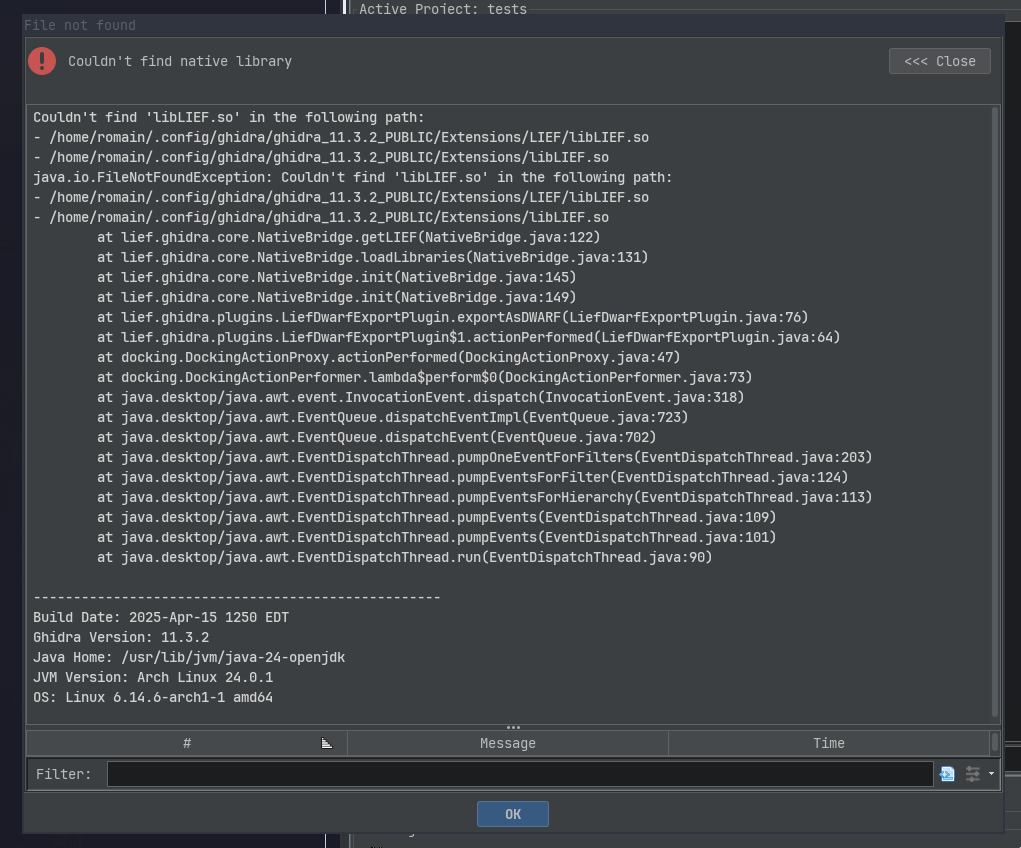
Couldn’t find the native library
This means that libLIEF.so, libLIEF.dylib, or LIEF.dll is not correctly installed in the Extensions/ directory. The details of the error provide the expected path(s).
This feature requires LIEF extended
This error means that you need to install the extended version of the shared library. See the extended section for more information.
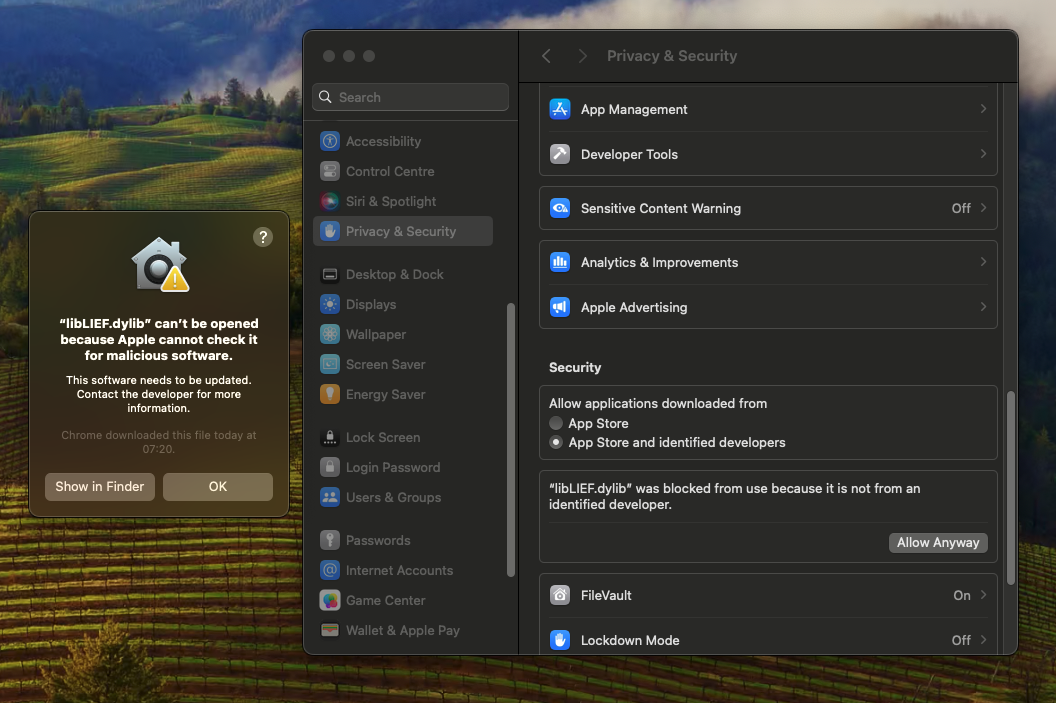
libLIEF.dylib can’t be opened because Apple cannot check it for malicious software
libLIEF.dylib is self-signed and does not use an Apple certificate. Therefore, it is considered as coming from an unknown developer.
You can address this issue in different ways:
You can compile
libLIEF.dylibyourself and sign the compiled library with your certificate.You can add a security exception as described here: https://support.apple.com/guide/mac-help/apple-cant-check-app-for-malicious-software-mchleab3a043/mac